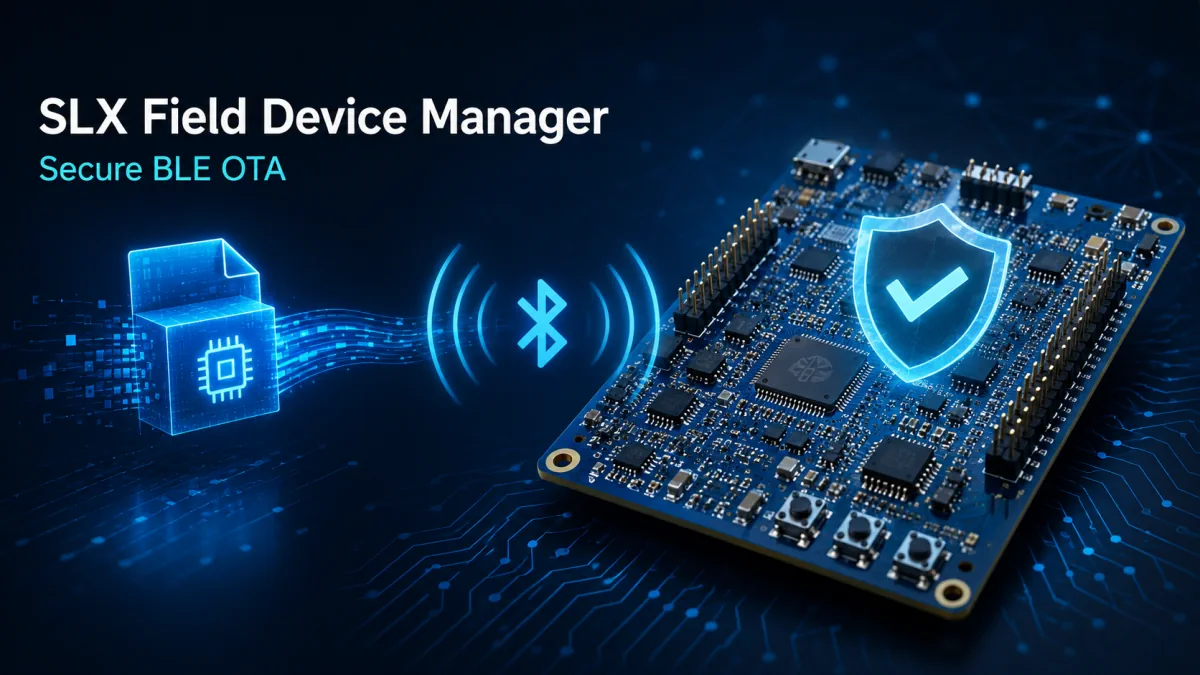
SLX Field Device Manager - BLE OTA Dashboard
Local device dashboard for Bluetooth LE diagnostics, release selection and secure firmware updates
A public demonstration dashboard for connecting nRF5340 devices over Bluetooth Low Energy, reviewing device status and diagnostics, selecting releases and validating a secure OTA firmware workflow.
SLX Field Device Manager
SLX Field Device Manager is the demonstration dashboard used with the secure Bluetooth LE OTA project. It connects locally to an nRF5340-DK, presents device status and diagnostics, and guides the operator through the firmware update flow.
What the public demo shows
- Local Bluetooth LE connection and device identification.
- Firmware version, slot status, health information and service mode.
- Selection of demonstration releases and transfer through MCUmgr SMP.
- Trial boot, image confirmation and rollback behavior managed by MCUboot.
From dashboard to embedded product
The public version is an evaluation environment, not a production fleet-management system. It is useful for validating the interaction between dashboard, BLE transport, bootloader and firmware on physical hardware.
How to use this tool in an engineering workflow
Use realistic firmware, hardware or product parameters. The tool is most useful when the input reflects actual constraints.
Use the output to compare alternatives, spot anomalies and prepare a stronger technical decision.
Use the result in reviews, technical issues, documentation or validation checklists.
Related services and resources
An nRF5340 architecture with ECDSA signing, MCUboot, MCUmgr, health checks and rollback.
Architecture, debugging and validation for real products.
A first conversation to define the project, constraints and priorities.
Guides and references for firmware, IoT, AI and HMI work.
ESP-IDF, Wi-Fi, local web UI and diagnostics for connected devices.
Frequently asked questions
Is the tool free?
Yes. Public Lab Tools are free utilities for preliminary analysis, technical comparison and fast validation.
Does the result replace a technical review?
No. The tool can reduce errors and accelerate decisions, but critical firmware and product architectures still need context-specific review.
Can I suggest a specific tool?
Yes. A recurring technical workflow can become a new Lab Tool or a custom utility for your team.